EN
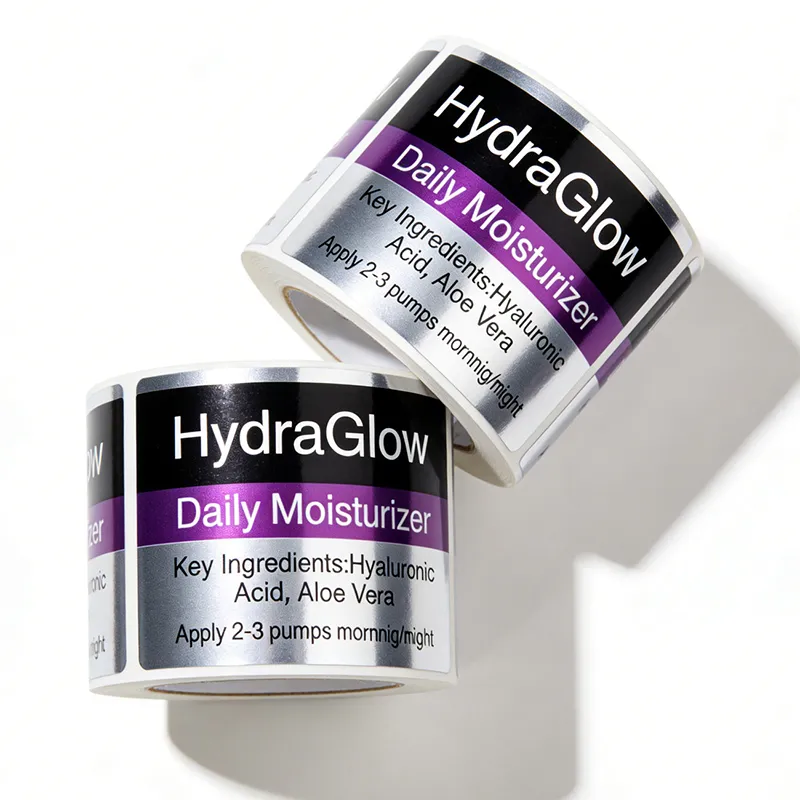
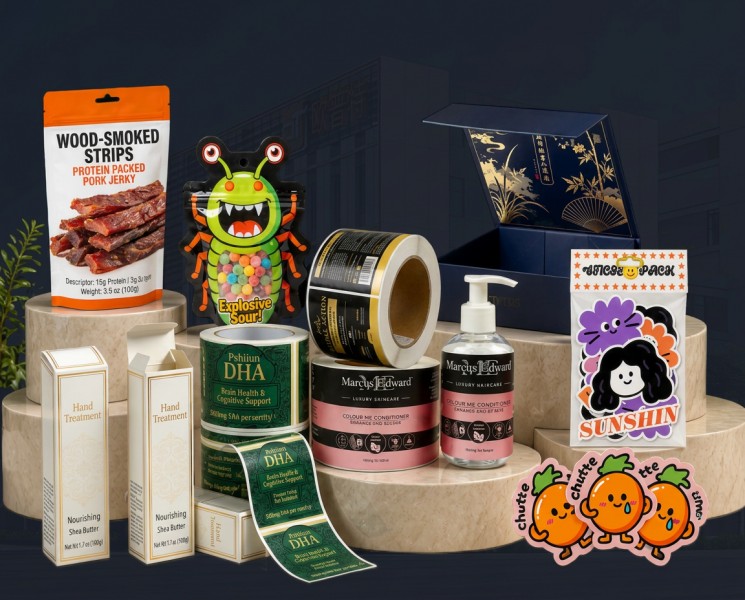
Customizing a print label for different packaging materials is not just possible—it's essential for businesses that work across diverse product lines and surface types. Whether you're labeling glass bottles, plastic containers, cardboard boxes, or metal cans, each material presents unique challenges and opportunities for label adaptation. Understanding how to tailor your print label design and substrate selection ensures that labels adhere properly, maintain visual appeal, and communicate product information effectively across all your packaging applications.

The ability to customize labels across materials requires both strategic planning and the right tools. Modern print label solutions, combined with advanced label printing software and thermal label printer technology, enable businesses to produce consistent, high-quality output regardless of substrate type. This flexibility is particularly valuable for companies in food and beverage, pharmaceuticals, cosmetics, and industrial sectors where packaging materials vary significantly.
Material Selection and Label Substrate Compatibility
Understanding Surface Properties and Adhesion Requirements
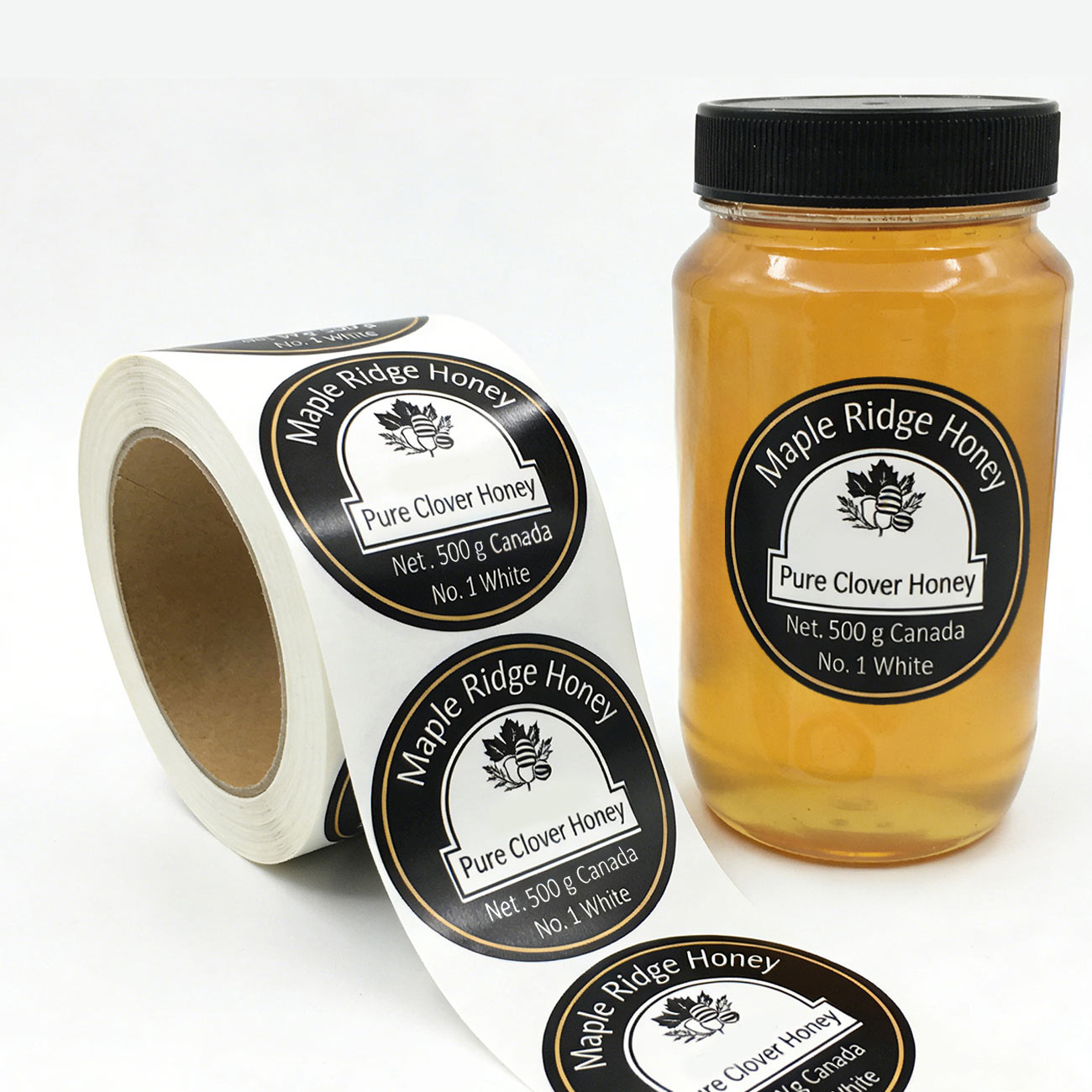
Each packaging material has distinct surface properties that directly influence label adhesion and durability. Glass surfaces are smooth and non-porous, requiring permanent adhesive formulations that bond chemically to the glass. Plastic substrates like polyethylene terephthalate (PET) and high-density polyethylene (HDPE) demand pressure-sensitive adhesives calibrated to their lower surface energy. Cardboard and corrugated materials, being porous, require adhesives that penetrate the fibers without wrinkling or causing bleed-through. When customizing your print label strategy, selecting the appropriate adhesive chemistry for each material prevents peeling, bubbling, and label failure in storage and distribution environments.
Substrate Material Options for Print Labels
Modern label printing software allows designers to specify label stock based on material compatibility. White gloss paper works well on smooth plastics and glass but may curl on highly contoured bottles. Synthetic materials like polypropylene and polyester offer superior water and chemical resistance, making them ideal for cold storage, wet environments, and products containing oils or solvents. Metallic and foil-based substrates add visual distinction for premium products. A thermal label printer equipped with appropriate ribbon types and temperature settings can output across many of these substrates, though specialty materials may require offset or flexographic printing for high-volume applications. Understanding barcode label design requirements on each material ensures scanners read codes reliably regardless of surface finish or reflectivity.
Design and Technical Customization Across Materials
Color, Finish, and Visual Adaptation
Design customization goes beyond selecting adhesive and substrate. Color reproduction varies significantly across materials because glossy labels reflect light differently than matte finishes, and white ink opacity appears distinct on transparent versus opaque substrates. Label printing software offers simulation tools to preview how your design renders on different materials before production. Matte finishes reduce glare on plastic containers and improve readability in bright retail environments. Gloss finishes enhance color vibrancy on glass jars and create premium tactile experiences. Thermal label printer output typically produces matte finishes due to the dye-sublimation or thermal transfer process, so businesses requiring glossy labels on certain materials may select hybrid approaches combining thermal printing for barcodes and variable data with offset printing for decorative elements.
Size, Shape, and Contour Fitting
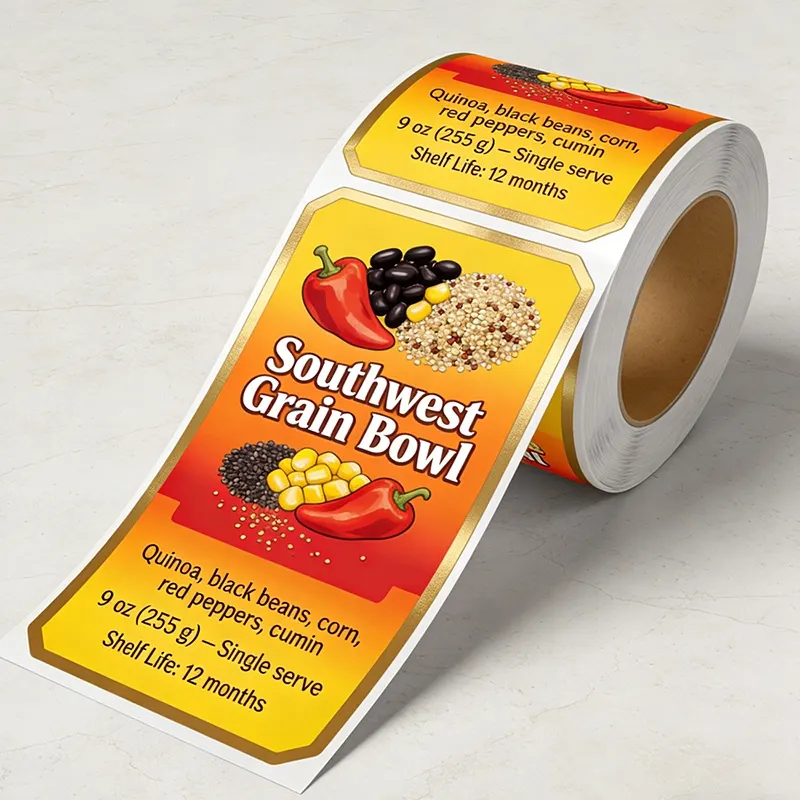
Customizing print label dimensions and die-cuts directly addresses packaging geometry. Standard rectangular labels suit flat boxes and large containers, but curved bottles and irregular shapes demand specially engineered label formats. Label printing software includes template libraries for common bottle profiles, allowing designers to specify radius curves, rounded corners, and wrap-around dimensions that conform to the actual container. A thermal label printer handles standard rectangular output efficiently, but custom contours typically require rotary die-cutting equipment post-printing. Barcode label design must account for placement relative to label edges and surface contours to ensure scanners maintain consistent read distances. For products with multiple packaging sizes—such as single-unit versus bulk containers—customizable templates in label printing software enable rapid adaptation without full design recreation.
Production Workflow and Equipment Considerations
Print Technology Alignment with Material Types
Different packaging materials benefit from different production technologies. A thermal label printer excels at producing durable, high-speed output for shipping labels, warehouse inventory tags, and compliance labels on uniform surfaces. Thermal transfer printing creates crisp, long-lasting barcode label design output without requiring pre-coated label stock. However, thermals work best on paper, synthetic, and specific polyester substrates. For transparent plastic bottles and premium glass containers requiring photographic or metallic finishes, digital inkjet printing or flexographic printing may deliver superior results. Label printing software must generate files compatible with your selected production method, whether thermal, digital, or flexographic. Hybrid workflows combining thermal printing for variable elements (serial numbers, barcodes, dates) with pre-printed offset color graphics on the label substrate offer cost efficiency and speed for businesses customizing print labels across materials.
Testing and Quality Assurance Protocols
Successful customization requires validation before full production runs. Test prints on sample materials confirm adhesion quality, color accuracy, barcode readability, and label durability under realistic conditions. A thermal label printer sample run verifies ribbon and temperature settings produce acceptable output without smudging or fading. Adhesion testing involves applying labels to actual packaging, then subjecting samples to temperature cycling, humidity exposure, and simulated shelf conditions. Label printing software workflows should include proof approval stages where stakeholders validate appearance and dimensions on physical substrate samples. Barcode label design verification ensures scanners read codes at standard retail point-of-sale distances and angles. Documentation of approved specifications for each material type accelerates future customization requests and reduces reprinting waste from specification errors.
FAQ
Can the same label design work on all packaging materials?
Not without modification. While core branding elements remain consistent, label printing software customization is necessary to adjust substrate type, adhesive chemistry, and finish properties for each material. The print label design template may remain similar, but production specifications—such as thermal label printer ribbon type, color profile, and adhesive formulation—must change. This ensures labels adhere reliably and perform optimally on glass, plastic, cardboard, and metal surfaces.
What role does a thermal label printer play in material customization?
A thermal label printer is ideal for rapid customization because barcode label design and variable data can be modified without physical plate changes. However, thermals produce best results on paper and synthetic substrates, not on transparent or metallic materials. For those applications, hybrid workflows combining thermal barcode printing with offset pre-printed graphics offer practical customization. Label printing software directs output to the appropriate equipment based on material selection.
How does label printing software help manage multiple packaging materials?
Modern label printing software maintains material-specific templates, adhesive specifications, and production parameters in centralized databases. Designers select packaging material type from dropdown menus, and the software automatically applies correct substrate settings, color profiles, and barcode label design dimensions. This standardizes customization across materials and reduces errors when fulfilling orders for diverse packaging types.