EN

Choosing a print label method means matching the printing process to the label’s material, environment, production volume, and appearance requirements. The best result is not determined by one machine feature: it depends on how the method handles the intended stock, adhesive, image detail, and conditions after application.
For warehouses, manufacturers, and packaged-goods teams, the right choice balances legibility, throughput, and finish. Label printing software, a thermal label printer, and custom label design each shape the result in different ways, but none can compensate for a mismatch between process and use case.
Match the Printing Method to the Job
Choose thermal output for operational labels
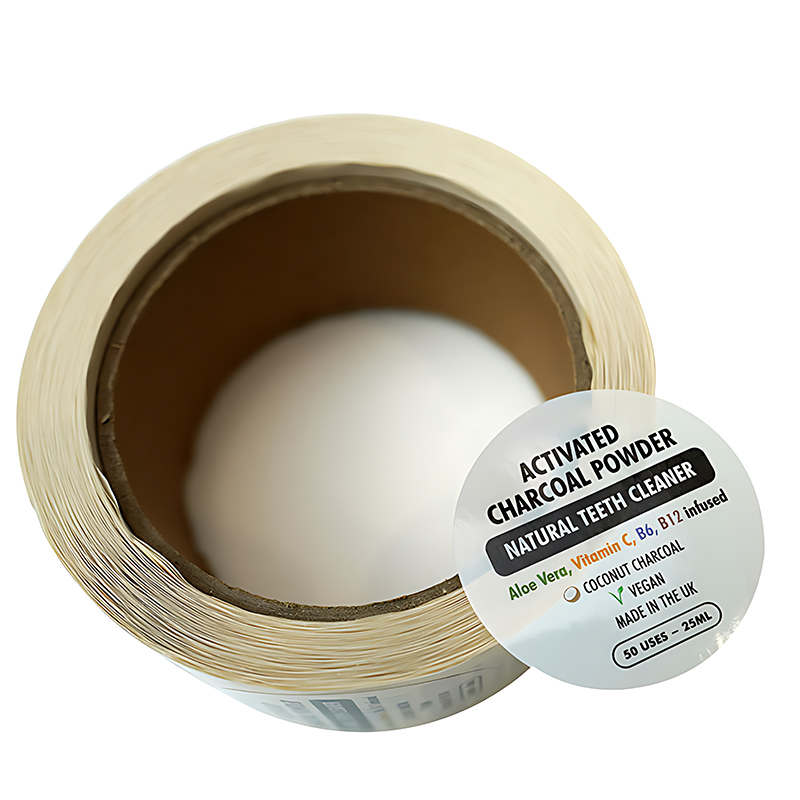
Direct thermal printing creates an image through heat-sensitive stock, making it useful for shipping, routing, and short-life identification. A thermal label printer can support quick on-demand runs, while stock selection matters because heat, light, and handling may affect image life.
Thermal transfer printing uses a ribbon to transfer ink onto a label face. It is often considered when barcodes, asset IDs, or production details need to resist routine abrasion. Confirm compatibility among printer settings, ribbon, adhesive, and label material before committing.
An operations team should test its actual label printing software workflow, rather than judging only a sample made at a desk. Check variable data, barcode readability, reprint controls, and how operators select the correct stock during a busy shift.
For a print label used in a fulfillment area, speed is valuable only when output remains consistent and scannable. A thermal label printer can suit frequent short batches, while the right darkness, speed, and media settings need validation on the production line.
Use digital or conventional print for presentation labels
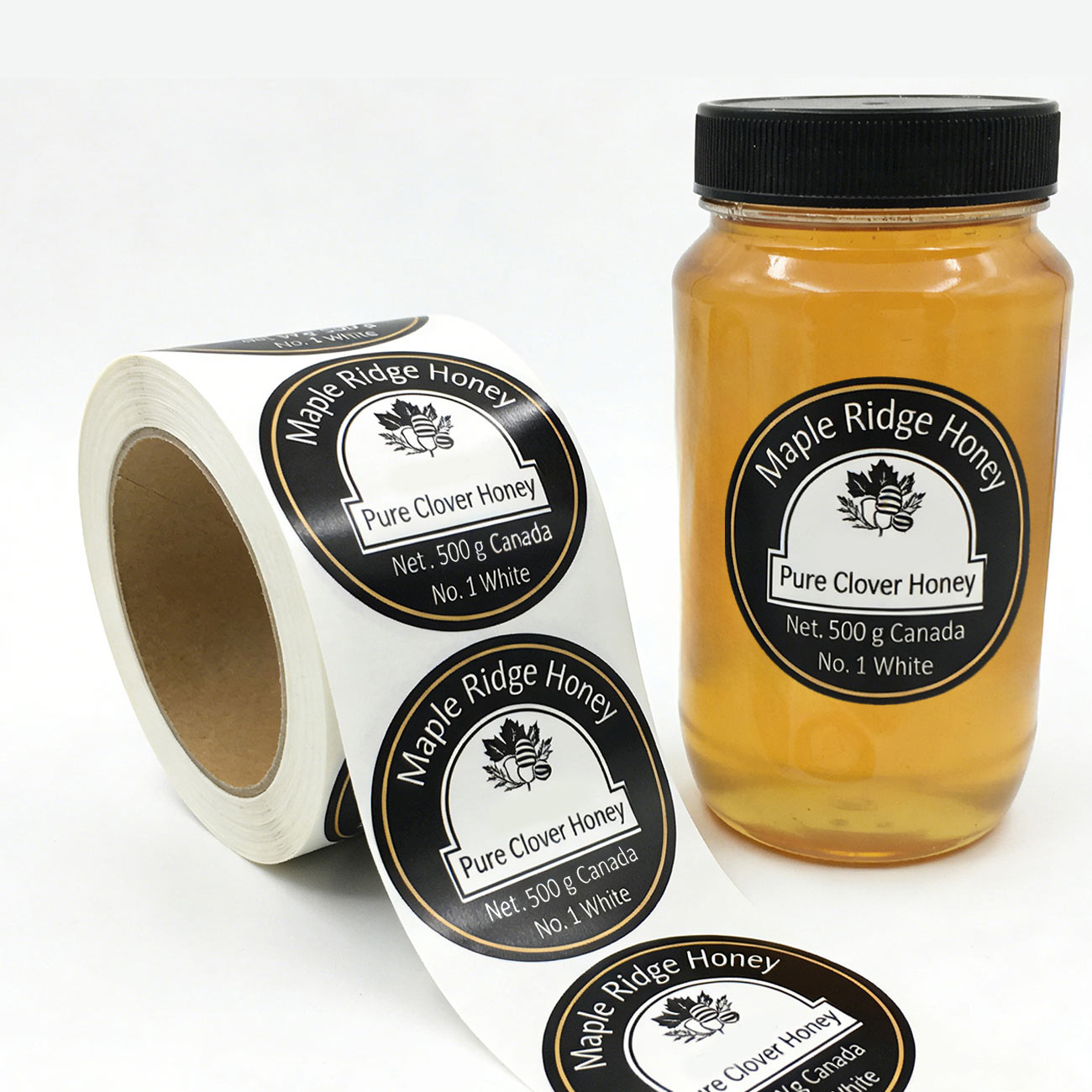
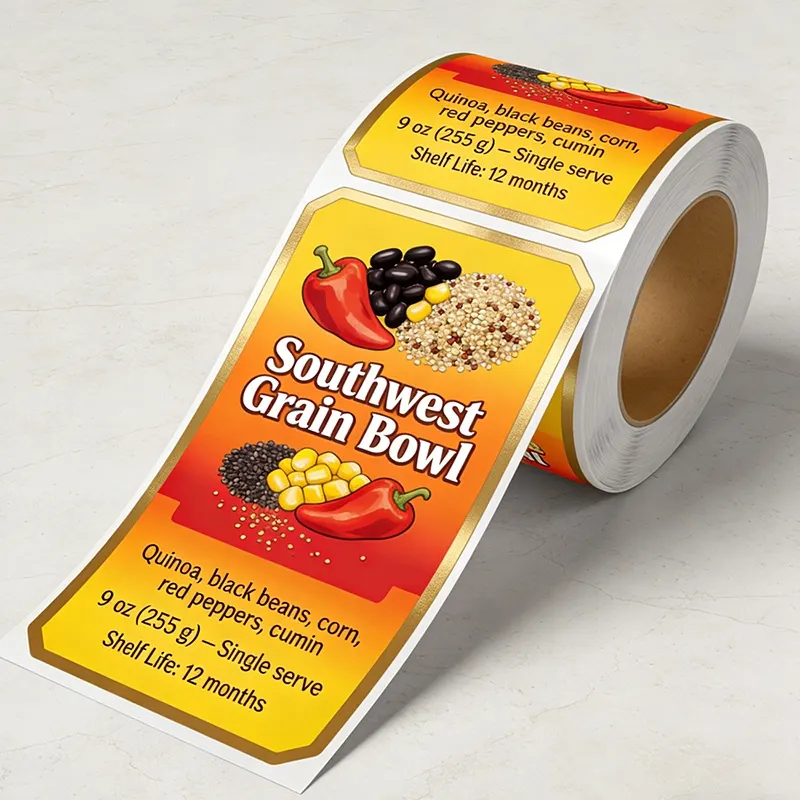
Digital printing suits variable artwork and shorter or changing runs because designs can be revised without preparing a new plate for every update. It can also support detailed color work, provided the selected substrate and finishing steps are compatible.
Flexographic printing is commonly evaluated for repeat production at higher volumes, where stable artwork and planned changeovers can make setup worthwhile. Teams should compare the full job economics, including setup, ink, finishing, waste, and the cost of holding inventory.
Custom label design must account for the selected process from the outset. Fine lines, small type, gradients, and reversed text may reproduce differently across methods, so approve a proof on representative material before releasing a large production order.
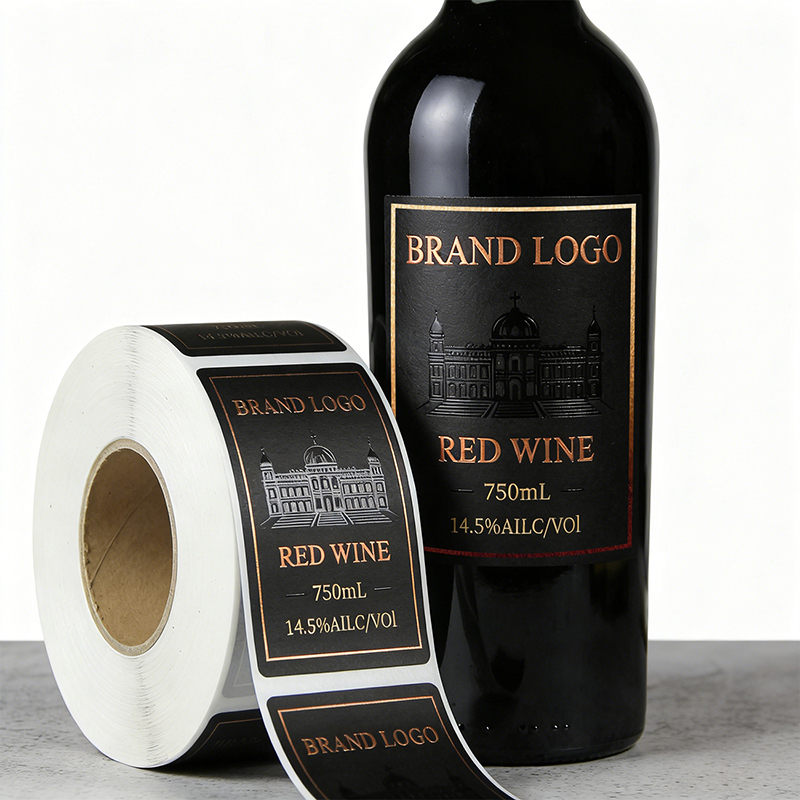
A print label for a premium package may need a finish beyond ink alone. Foil, varnish, or texture can add visual distinction, but each effect adds production considerations and should be checked for registration, handling, and compatibility with the label stock.
Evaluate Quality, Durability, and Workflow
Set measurable requirements for the finished label
Define the conditions a label will face before comparing equipment or print processes. Consider moisture, friction, temperature, sunlight, chemical exposure, storage duration, and the surface receiving the label. These factors help identify a suitable face stock, adhesive, and ink system.
A thermal label printer should be tested with the exact media used in daily production, not only with a generic roll. Confirm that text stays readable, barcodes scan at the required distance, and edges remain clean after application and handling.
Label printing software contributes to repeatability by managing templates, data fields, and approved versions. Teams should review access controls, printer connections, and data imports, then test realistic orders to find mapping errors before labels reach the line.
If a print label carries regulated, traceability, or safety information, legibility is a practical control, not a decorative detail. Use the required content hierarchy and test the smallest type at the final size under normal inspection conditions.
Build a workflow that limits avoidable rework
Standardize artwork files, naming conventions, and proof approvals so an operator can identify the current version quickly. Custom label design is easier to manage when artwork includes clear dimensions, bleed guidance, color references, and finishing instructions.
A print label workflow also depends on accurate source data. Validate product codes, lot fields, dates, and language variants at the point of import. A visually strong design cannot prevent costly reprints if incorrect information is sent to production.
Label printing software can connect approved templates with changing product or shipping data, reducing manual entry when configured carefully. Assign responsibility for template changes, maintain a review trail, and use a controlled test print after any material update.
For a production team, consistency comes from checking the whole path: file, data, printer, media, and application surface. Record the accepted settings and inspection criteria so repeat jobs begin from a known baseline rather than guesswork.
Choose a Method by Volume and Application
Align production economics with run size
Short runs with frequent artwork changes often favor digital production or in-house thermal printing, depending on whether the label is informational or presentation-focused. Compare setup time, per-label cost, operator effort, and the risk of obsolete stock.
A thermal label printer is practical when teams need labels close to the point of use and designs are relatively simple. For color-rich branding or special finishes, a print partner or dedicated production process may be more appropriate than an operational device.
Longer, stable runs can make conventional processes worth evaluating, especially when changeovers are infrequent. Calculate total usable output rather than just quoted unit cost, including setup waste, inspection, storage, and the consequences of changing artwork mid-run.
Custom label design should reflect the intended production quantity and replenishment plan. Avoid ordering a large volume solely to lower unit cost if product claims, regulations, or packaging details may change before the stock is used.
Confirm the application and finish before release
Before approving a print label, apply samples to the real container or package. Curved surfaces, textured materials, coatings, and cold or dusty conditions can affect adhesion, alignment, and appearance in ways a flat proof will not reveal.
A premium package may call for textured paper, foil, or a UV finish, while shipping identification may prioritize scanning and resilience. Review a physical proof for color, detail, finish placement, and application behavior before authorizing the complete run.
Label printing software supports reliable repeat orders when the approved artwork and production notes are easy to retrieve. Preserve the final file, material specification, and proof decision together so teams do not accidentally reprint from an outdated draft.
When the requirement is a distinctive wine or specialty product presentation, consider a print label with a tactile stock and carefully controlled embellishment. The right custom label design gives finishing effects room to work without compromising essential information.
FAQ
Which method is suitable for variable shipping labels?
Direct thermal or thermal transfer can suit variable shipping work, depending on expected label life and exposure. Pair the thermal label printer with tested stock, and use a second check in label printing software to catch data or template errors before printing.
How can teams decide whether digital printing is suitable?
Digital printing is worth assessing when artwork changes often, runs are shorter, or detailed color matters. Review sample quality, turnaround needs, and total job cost, then confirm that custom label design is prepared for the chosen material and finishing process.
What should be tested before approving a production run?
Test a representative print label on the actual package, in the expected environment, and at the intended volume where possible. Inspect adhesion, readability, scanning, color, and finish; also verify label printing software data and the thermal label printer settings when used.